All services

Servers you own · Infrastructure

Provision without the guesswork.

Create and import servers, host websites with domains and TLS, back them up, and keep an eye on what it all costs.

  • DigitalOcean, Hetzner Cloud and Vultr
  • Domains and automatic TLS
  • Verified backups to your storage
  • Costs per server and project

web-1

Hetzner Cloud · fsn1 · Ubuntu 24.04

Active

A server with its websites, resources and backups side by side.

CPU18%
Memory46%
Disk31%
Websites
3
Monthly cost
€7.59
Last backup
2h ago

Illustrative interface with sample data.
Works with

  • DigitalOcean
  • Hetzner Cloud
  • Vultr
  • Cloudflare DNS
  • Ubuntu
  • S3-compatible storage

Servers you own

Your servers, set up the way you’d set them up.

Provision or import

Create servers at DigitalOcean, Hetzner Cloud or Vultr, or import an Ubuntu server over SSH.

Websites with TLS

Primary domains, aliases and redirects, with automatic certificates and Cloudflare DNS.

Backups you can trust

Scheduled backups to your own S3 storage, verified, with restores you can follow.

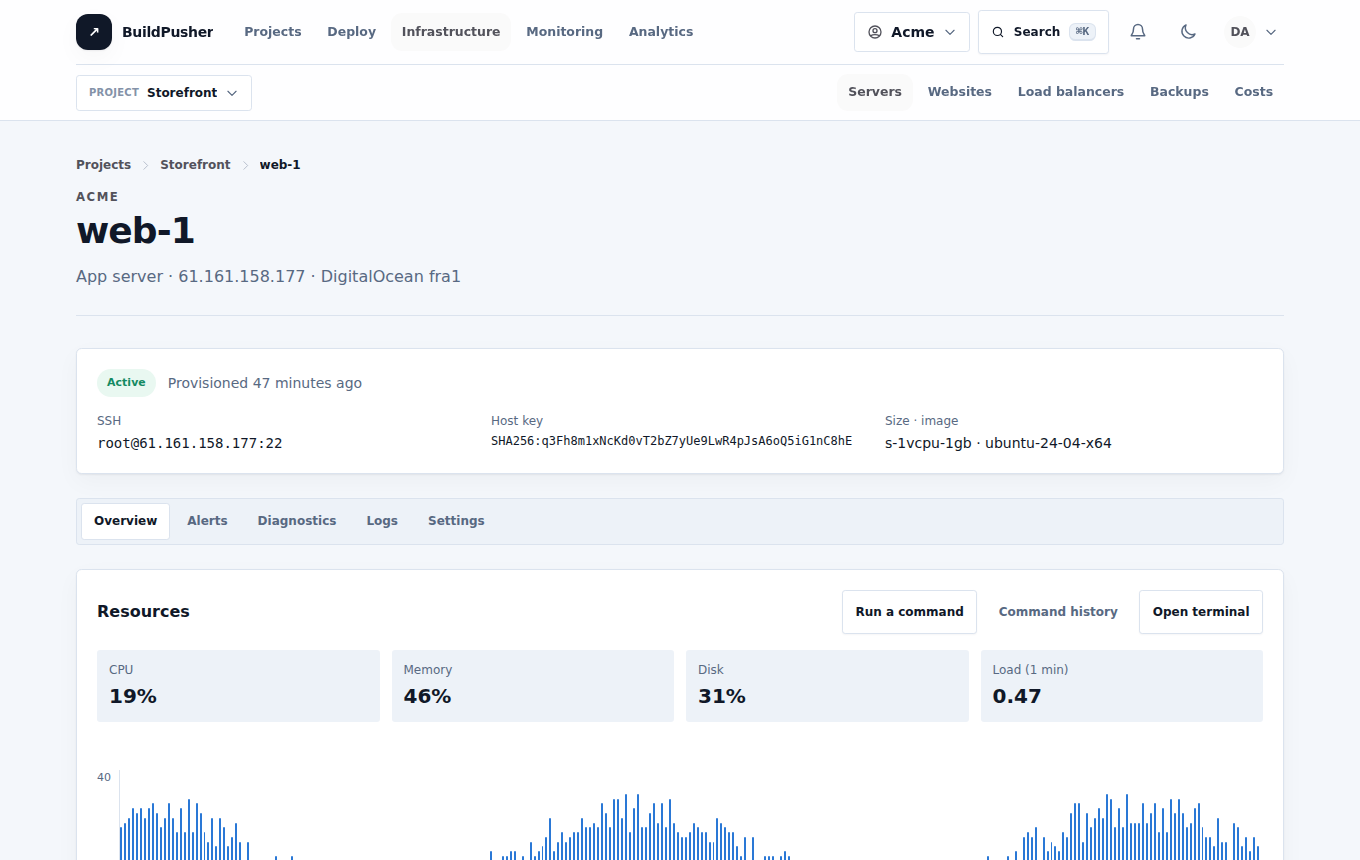
What Infrastructure looks like

A screenshot of Infrastructure in BuildPusher
The real Infrastructure, with sample data.

Inside Infrastructure

What you can do

Servers

Create, connect and operate

Every server shows how it was set up and what has run on it since.

  • Cloud provisioning

  • Commands and terminal

  • Recipes

Websites

Host and protect websites

Domains, databases and backups stay beside the website they belong to.

  • Domains and TLS

  • Databases

  • Backups

  • Load balancers

Costs

Know what you spend

Provider prices sit on every server, so costs never arrive as a surprise.

  • Server costs

  • Budgets

A practical path through Infrastructure

Connect. Provision. Host.

Go from a cloud account to a website serving traffic, one visible step at a time.

  1. 01

    Connect a provider

    Add a token for your DigitalOcean, Hetzner Cloud or Vultr account.

  2. 02

    Create a server

    Pick a size and region, and follow each setup stage until it’s ready.

  3. 03

    Add websites

    Point a domain at it, get a certificate, and schedule backups.

Safety and accountability

Keep servers yours and changes recorded.

We connect with tokens you create and can revoke. Commands, terminals and restores are recorded against the person who ran them.

  • Encrypted provider tokens
  • Your cloud account
  • Recorded commands
  • Verified backups
  • Expiring database users
  • Signed setup callbacks

Good to know

Straight answers about Infrastructure.

Whose cloud account is it?

Yours. We connect with a token you create and never hold the servers ourselves.

Can I bring existing servers?

Yes. Import an Ubuntu server over SSH; we check it before managing it.

Where do backups go?

To S3-compatible storage you own. Each backup is verified after it’s written.

Part of BuildPusher

Start with Infrastructure.

Every service has a free tier. Turn on the others when a project needs them, on the same account and bill.

Start free